

Dejavoo builds terminals that do their job without much fuss. The range covers traditional keypad units for a fixed checkout, Android touchscreens for staff who expect a phone-like screen, and wireless models for taking payment away from the counter. We match the device to how you actually take payments, then stay reachable after you go live.
The Dejavoo lineup
Countertop, wireless, and Android, depending on where the transaction actually happens.
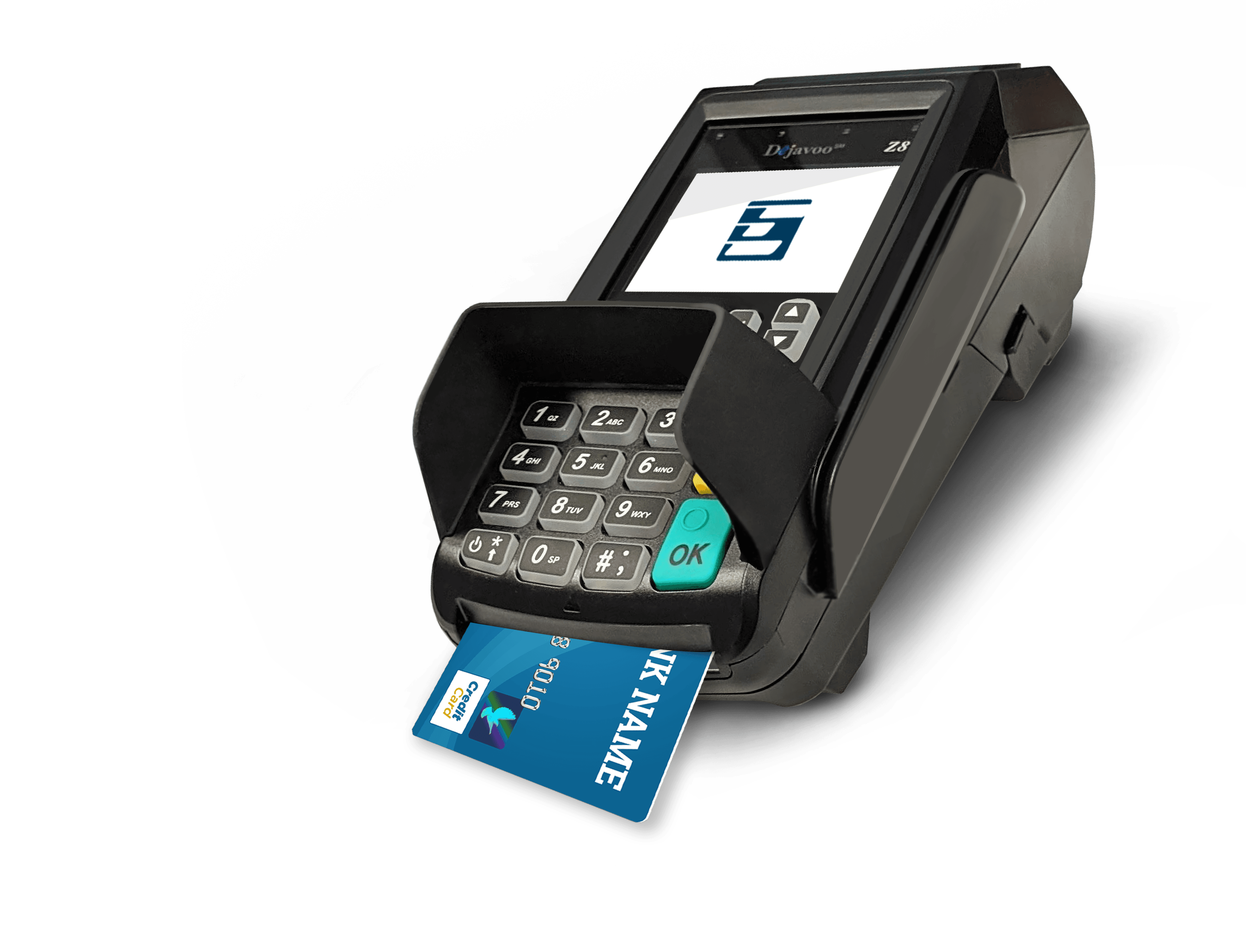
Dejavoo Z8
A countertop terminal with a physical keypad and a privacy shield over the PIN pad. Cards insert at the bottom of the unit, and a receipt printer sits in the top of the housing. Built for a fixed checkout where the customer stays at the counter.
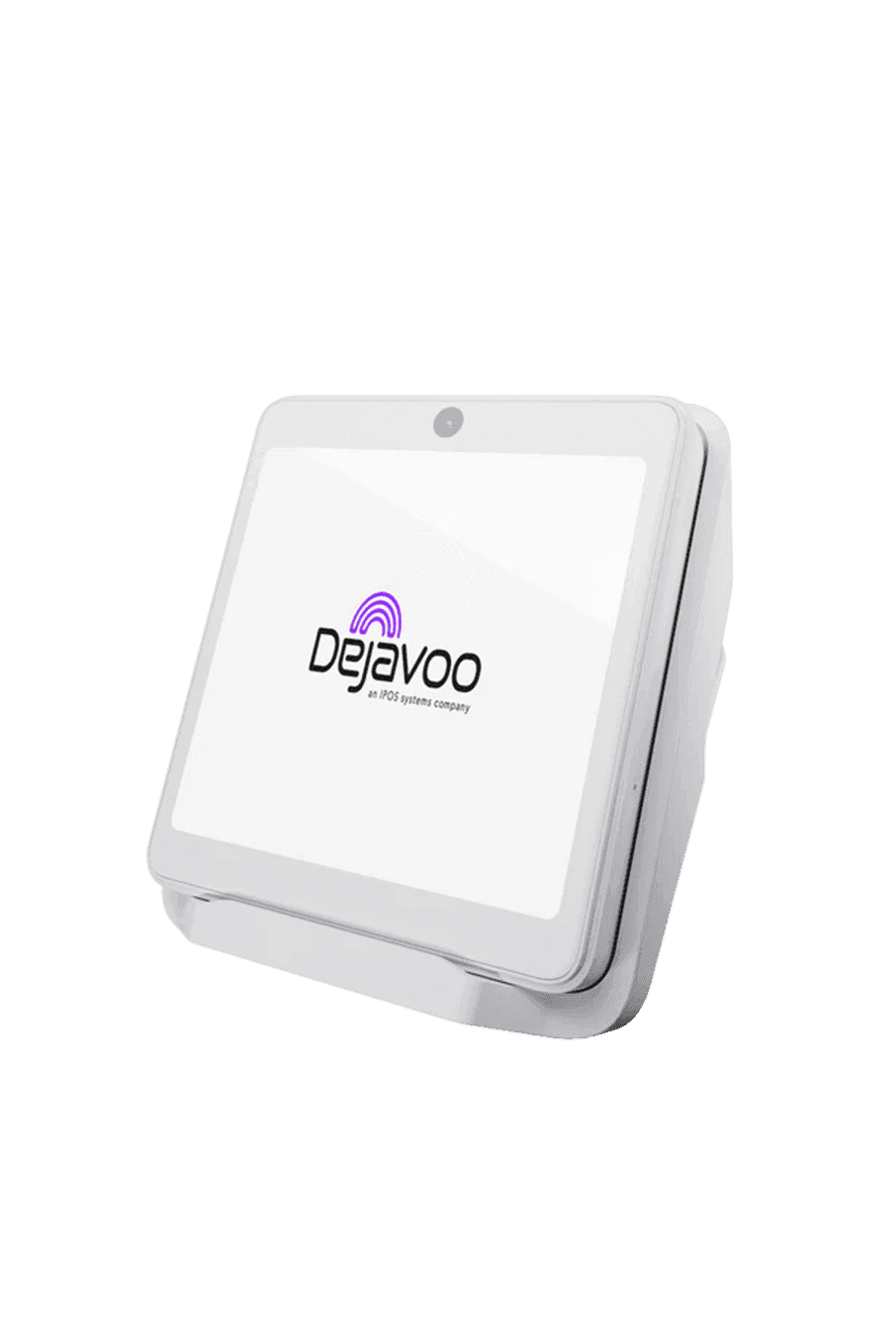
Dejavoo iPOS P12
A white countertop terminal on a fixed stand, with a large touchscreen and no physical keypad on the face. Staff work from the screen rather than from buttons. Suited to a main register where the device stays put.
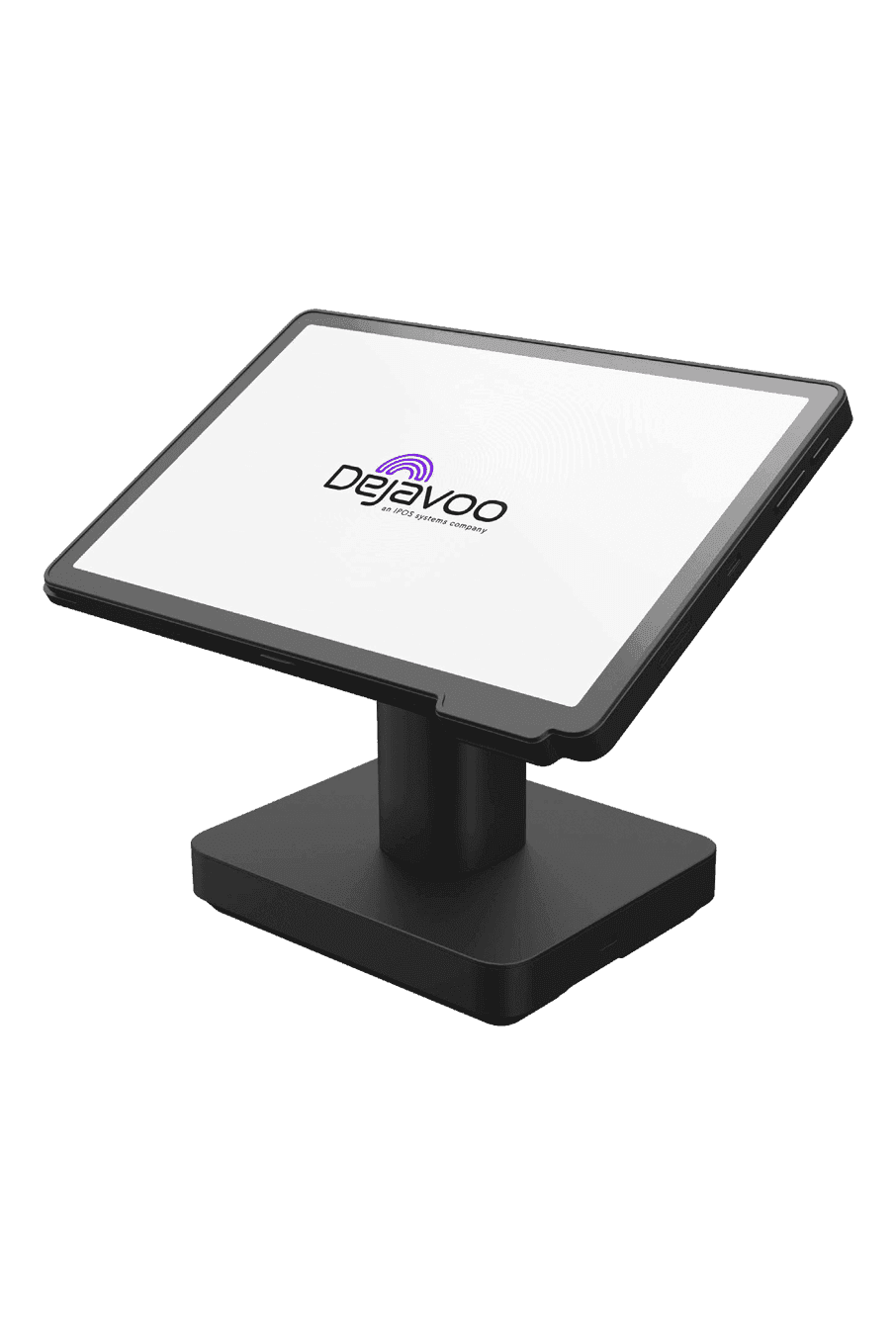
Dejavoo iPOS P18
A black countertop terminal on a stand, with a wide touchscreen angled toward the operator. A card swipe slot runs along the side of the screen housing. Fits a busy fixed checkout that needs a large display without a separate keypad.
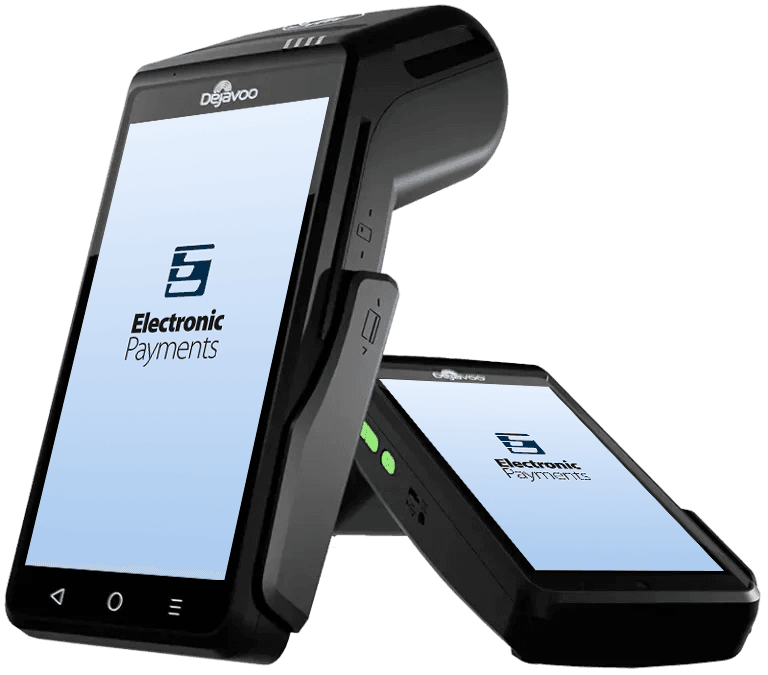
Dejavoo QD2
A handheld Android terminal with a full touchscreen and a built in receipt printer at the top. There is no physical keypad on the face, so every step happens on the glass. Useful when staff need to take payment away from a fixed counter.
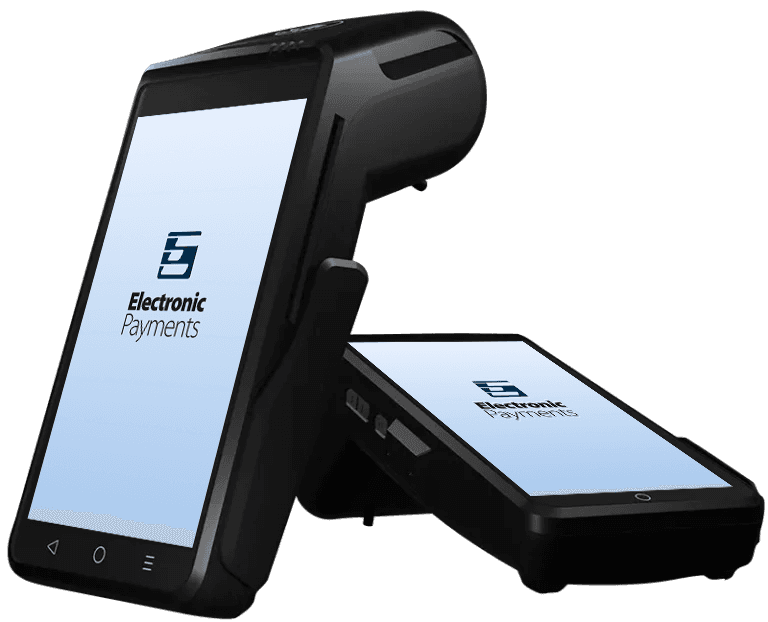
Dejavoo QD4
A handheld touchscreen terminal with an integrated printer and card slots on the body. The interface is phone like, which shortens training for staff who already use a smartphone. Built for floors where the terminal moves with the person taking the payment.
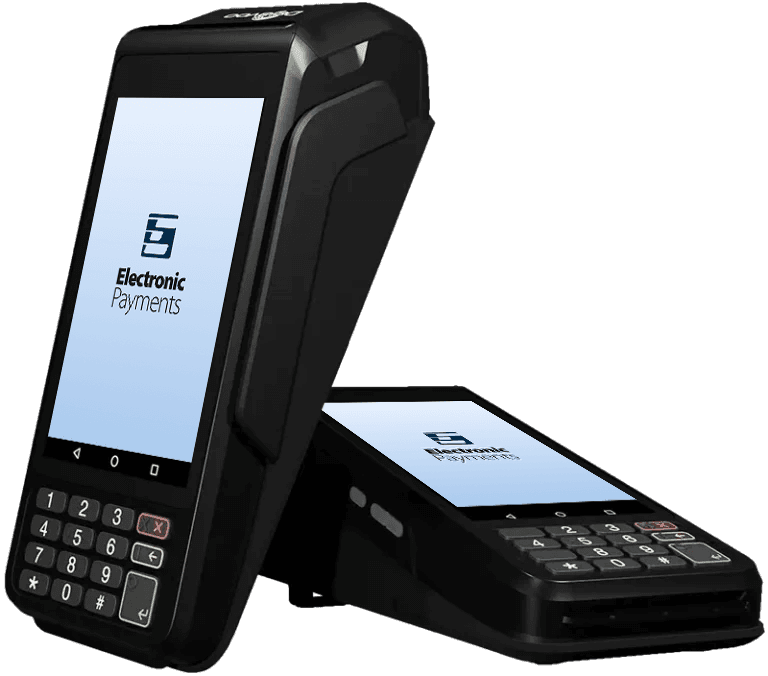
Dejavoo P1
A portable terminal that pairs a colour touchscreen with a physical keypad underneath. A receipt printer sits in the top of the unit. Fits tableside or curbside work where a button pad still feels faster than typing on glass.
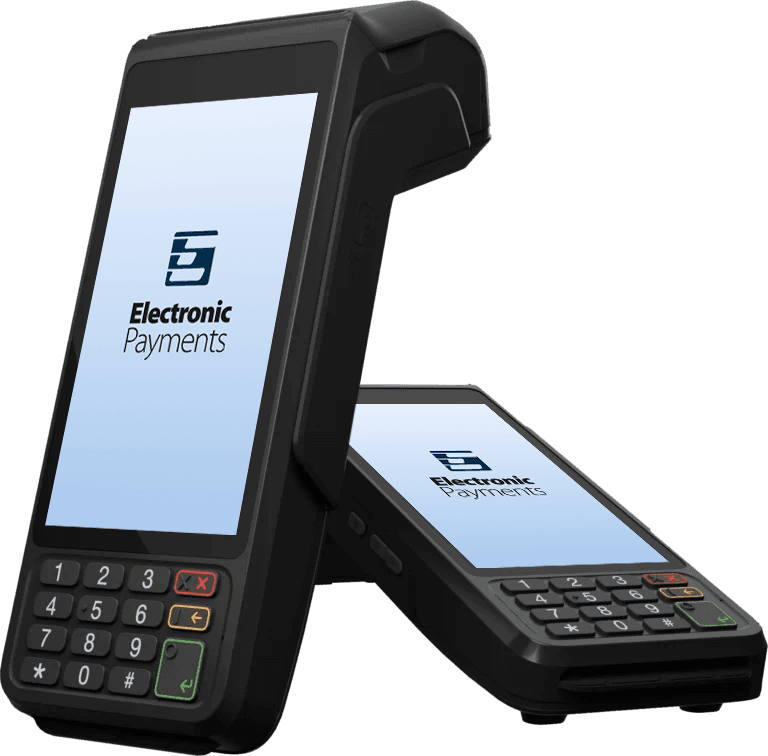
Dejavoo P3
A handheld unit with a touchscreen, a physical keypad, and a built in printer. Chip cards insert at the base of the device. Meant for taking payment on the floor rather than sending every guest back to a fixed terminal.
What Dejavoo handles
Payments
- Chip, tap, and swipe
- Mobile wallets
- Tip prompts on the device
- Receipt printing
- Refunds and voids from the terminal
At the counter
- Fixed countertop setups
- Handheld units for the floor
- Customer facing prompts for PIN and tips
- Works beside an existing register
Behind it
- Reporting from the merchant portal
- Remote refunds and adjustments where the portal supports them
- Device monitoring for outages
- Setup and training with your team
Not sure where to start?
Book a call and we'll go through what you're working with.